HomeServicesAbout UsContact usBlog Start Project →
Home / Training & Development / Post-Production

Photowant · Learn. Edit. Create.

Post-Production Training
Shape the Story.
Finish the Frame.

Learn to edit photos, video and sound into polished content for brands, creators and commercial projects.

  • Photo editing and retouching
  • Video editing and visual storytelling
  • Colour, sound and final delivery

From source files to final delivery

Photowant product photography examplePhotowant portrait photography example
SELECTEDITREFINEEXPORT

Illustrative editing workflow · Photowant creative work

PhotoCorrect and retouch
VideoCut and tell stories
Colour & SoundRefine the experience
PortfolioBuild practical work

Six practical skill areas

Learn the Complete Finishing Workflow.

Photo Editing & Retouching

  • Organise and select images
  • Adjust exposure and white balance
  • Refine skin, products and distractions
  • Keep detail and texture natural

Video Editing

  • Organise footage and build a timeline
  • Select shots and shape a sequence
  • Use pacing, cuts and transitions
  • Prepare short-form and brand content

Colour Correction & Grading

  • Balance exposure and colour
  • Match shots for consistency
  • Develop a considered visual look
  • Check skin tones and product colours

Audio Enhancement

  • Balance dialogue, music and effects
  • Reduce distracting background noise
  • Improve clarity and consistency
  • Check sound alongside the final edit

Creative Refinement

  • Edit to a brief and audience
  • Build consistent visual treatment
  • Review feedback and improve the cut
  • Keep the story clear and purposeful

Export & Delivery

  • Choose dimensions and aspect ratios
  • Prepare files for their destination
  • Check image and sound quality
  • Organise final files and versions

Ask our course advisor which editing software, laptop specifications and learning format apply to your batch.

Find your starting point

Training for People Who Create.

Beginners

  • Start with editing fundamentals
  • Learn a structured workflow
  • Build confidence through practice

Photographers & Filmmakers

  • Refine your own shoot files
  • Improve colour and consistency
  • Take work through to delivery

Creators & Marketers

  • Edit social and campaign content
  • Create a consistent visual style
  • Build repeatable editing habits

Practice with purpose

Build Work You Can Show.

Product photography example showing colour and detail

Product Image Edit

  • Correct exposure and colour
  • Refine the background and details
  • Prepare a consistent image set
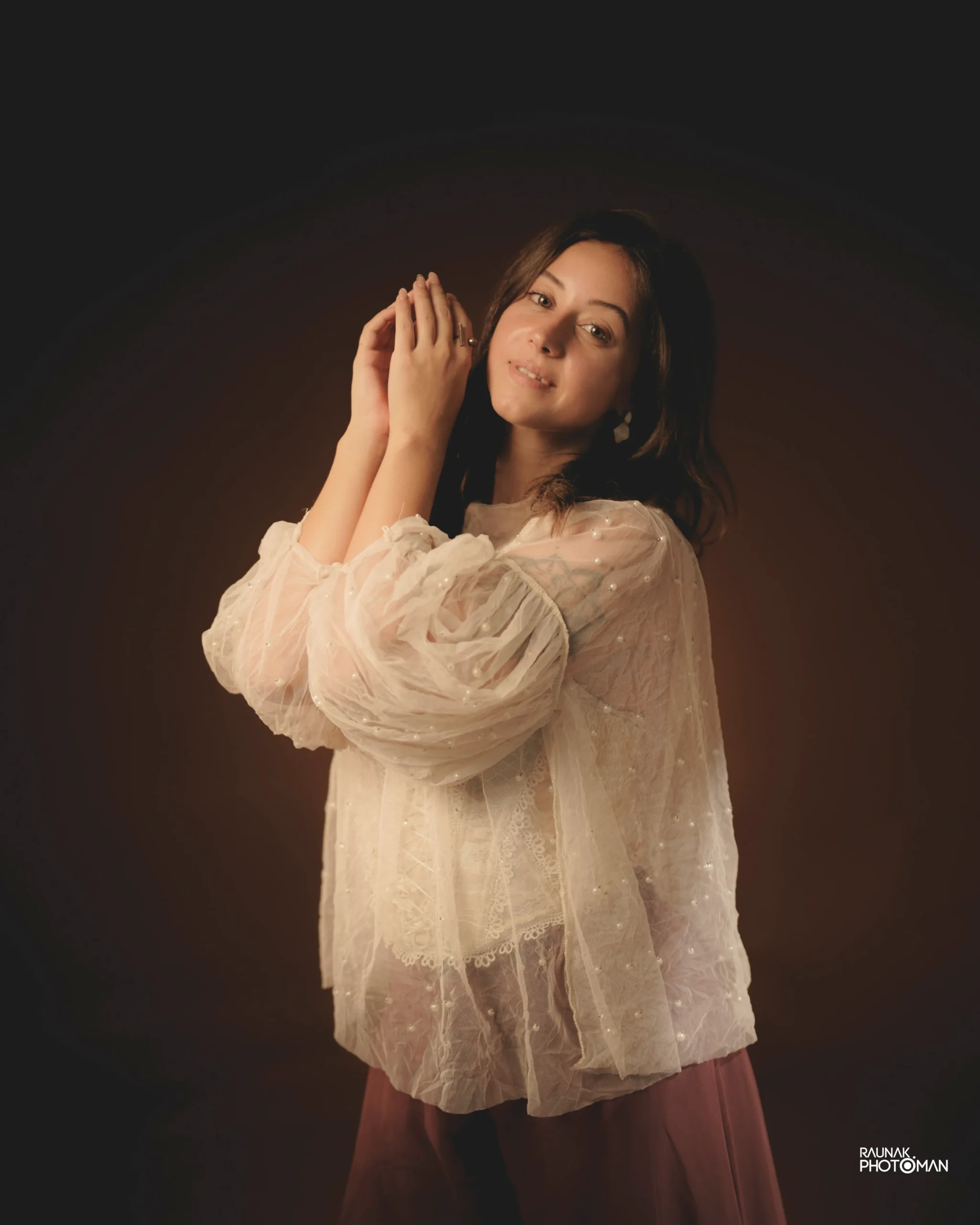
Portrait photography example for visual reference

Portrait Refinement

  • Balance skin tones
  • Retain natural texture
  • Create a consistent finish

Sequence → Sound → Colour

A Short-Form Edit

  • Build a clear opening and sequence
  • Balance the soundtrack
  • Export for the chosen platform

Photography shown is Photowant creative work. Practice briefs and source files are confirmed for each batch.

Learn · Practise · Refine

A Clear Path From Basics to Portfolio.

01

Foundations

  • Core tools and file organisation
  • Understand the editing workflow
02

Guided Practice

  • Work on photos and footage
  • Apply techniques with feedback
03

Creative Refinement

  • Improve colour, pacing and sound
  • Respond to the brief
04

Portfolio Project

  • Finish a selected set of edits
  • Review and prepare final delivery

Plan your learning

Get the Right Course Details.

Share Your Goals

  • Your current editing experience
  • Photo, video or complete post-production
  • Your laptop and available software
  • The kind of work you want to create

Ask Your Course Advisor

  • Current fee and course duration
  • Batch dates and session format
  • Software and equipment requirements
  • Mentor, certificate and project details

Find Photowant

Explore Training in Your City.

Tell us your preferred location to check batch and delivery options.

Availability is confirmed by enquiry.

Your questions answered

Post-Production Training FAQs

What does Post-Production Training cover?

Photo editing, retouching, video editing, colour correction and grading, audio enhancement, creative refinement and final delivery.

Can beginners join?

Yes. The course introduces core editing tools and workflows. Share your current experience so the advisor can explain the right starting point.

What are the fee and duration?

Contact Photowant for the current course fee, duration, batch dates and available learning formats.

Which editing software will I learn?

Confirm the software used for your chosen learning focus with the course advisor before enrolling.

Will I work on practical projects?

The learning process includes guided practice with photos and footage, creative refinement and a portfolio project. Confirm the project brief and deliverables for your batch.

Do I need my own laptop?

Share your laptop specifications and available software with the team. They will confirm equipment requirements before you join.

Who will teach the course?

The course advisor will confirm the trainer and session arrangements for the available batch.

How do I apply?

Complete the enquiry form with your contact details, learning focus and preferred city. Photowant will contact you with course and booking information.

Take your next step

Enquire About Your Post-Production Training

Tell us what you want to learn. Get the fee, duration and next batch details.

By submitting, you agree that Photowant may contact you about your course enquiry. Prefer email? info@photowant.com.

Let’s Work Together

Start Your
Project.

▼

We reply within 24 hours.

Message Sent!

We’ll be in touch within 24 hours.